Tracking and follow-up
When to follow up after a client opens your PDF proposal
Use PDF link activity without overreading it. Includes discreet follow-up scripts for no visible open, a revised quote and a clear next step.
Use a proposal open to decide whether a timely follow-up might help, not to tell the recipient how closely you watched them. Follow any date you already agreed with the client. If there was no agreement, a short note after a meaningful viewer session is usually more helpful than an immediate “I saw you opened it” message. Ask one relevant question or offer one specific next step.
Set up a follow-up you can trust
- Label the file with the proposal number, revision date and validity. A stable link can point to a revised PDF later, so the revision needs to be visible in the PDF, not only in the dashboard.
- Choose how to share it. A hosted viewer link can report opens. Hide downloads or add access controls only if appropriate to the relationship. A name in the link label doesn't prove who clicked it.
- Set a communication date in the original email. A simple “I’ll check in Thursday if I haven’t heard back” is more useful than trying to predict interest from how long a page was visible.
- Use opens as context. If the first recorded event looks automated or there is no activity, keep your normal follow-up. If the recipient replied or requested changes, respond to that explicit action instead of the analytics.
A competing Link in Seconds proposal guide describes replacing the uncertainty of attachments with a share link and view count. That is useful but limited. An explicit approval workflow is different: the Proofavo manual describes an approval record identifying the particular file version rather than relying on opens.
Three follow-up notes you can adapt
No visible open, near the agreed follow-up date “Hi Sam, making sure the quote for the July label run reached you. Here’s the link again. Would you prefer a PDF attachment through your usual vendor portal?”
A likely viewer session, no reply yet “Hi Sam, the delivery options on page 3 give you two ways to hit the July window. Would a 10-minute call Thursday help us choose one?”
A new revision supersedes the first “Hi Sam, I updated quote PL-207 to revision 2. It adds the matte stock option and changes the production date. The link is the same. Could you confirm you’re reviewing revision 2, dated July 9?”
Where a print job depends on the answer, ask for “Approve revision 2” or “Request changes on revision 2.” Do not treat an open as authorization to start the work.
Example: a print shop revises a quote
You send a quote on Monday and update the finish on Tuesday. On Wednesday you see activity on the same link. If your dashboard only counts activity by link, you can't know for sure whether the reader used a fresh tab or an older one. Mention the change in your message and ask them to confirm the new revision. If you need a persistent audit record, use a tool that binds decisions to the exact PDF shown.
With PDFtoLinkConverter, you can use viewer counts as context and, on an eligible plan, replace the PDF without changing the link. Use your normal email tool to send the proposal and follow up. Don't assume its link analytics give you a named read receipt, an approval or a version-by-version engagement record.
What to look for in proposal tracking software
Match the feature to the decision. A tracked PDF link gives you activity for that address. A proposal system can add separate approvals, signatures and a record of which version was accepted. Keep both interpretations clear when choosing a tool:
| If you need to know… | Ask the tool to show… | What not to assume |
|---|---|---|
| Whether an address received activity | A link-level timeline, with its event definitions | A named person read the proposal |
| Whether the current quote was accepted | An explicit decision tied to its exact revision | An open after replacement proves which version was read |
| Whether a contract was signed | A signature workflow that provides the record you need | A password or view event is a signature |
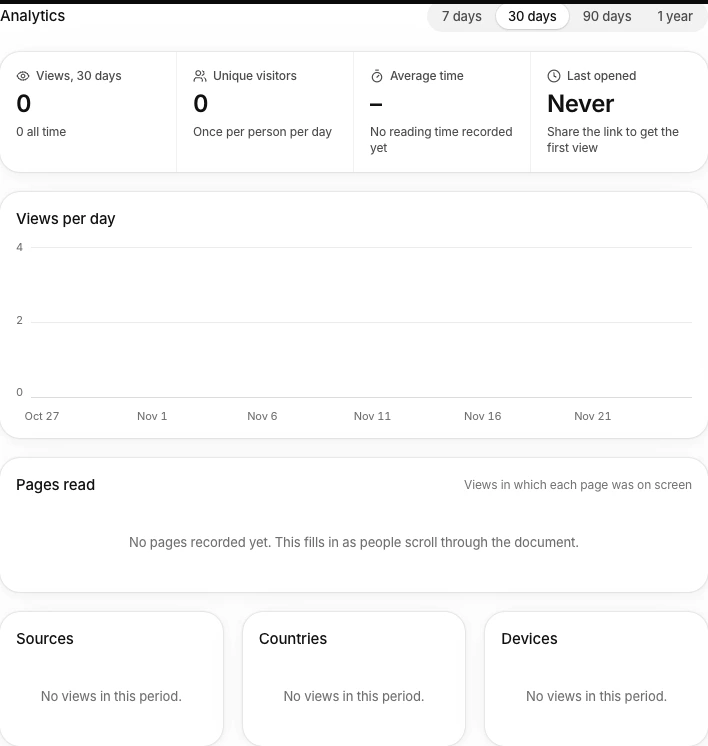
To evaluate a tracked link, send yourself a harmless proposal in a private browser, open it once, and check the owner dashboard after your test. For a job that requires approval, ask for the customer's decision separately and file it alongside the fixed PDF.
Questions and answers
Should I email the moment the link is opened?
Not usually. A security system might have touched the link, or the reader might not be ready. Stick to the timeline you promised unless they ask for help.
Is no recorded open the same as no interest?
No. The client might have received a forwarded attachment, opened the file in an unsupported viewer, or simply not reached it. Ask whether it arrived rather than assuming intent.
Can I tell if my revised quote was read?
You can ask for a reply naming the revision. Some tools can report per-version activity, but even that does not prove they read or accepted the terms.
What if a proposal was forwarded to someone else?
A forwarded link can show activity without identifying the reader. Ask whether anyone else should be included in the discussion, rather than treating a view as proof of forwarding.
When should I use an approval link instead?
When you must know which file a named reviewer approved before work starts. An approval record and a viewer open measure different actions.