Sharing
How to make a QR code for a PDF menu that stays useful
Turn a one-page menu into a printable QR code, test it on phones, and plan for price changes without printing a new code.
A PDF menu QR code should contain the address of the menu viewer, not the PDF itself or a short-lived storage link. Choose a managed URL you can update, then test the printed code where customers will actually scan it. A code that works on a screen may fail when printed small, placed under glare or cropped against a dark background.
Make a menu designed for a phone
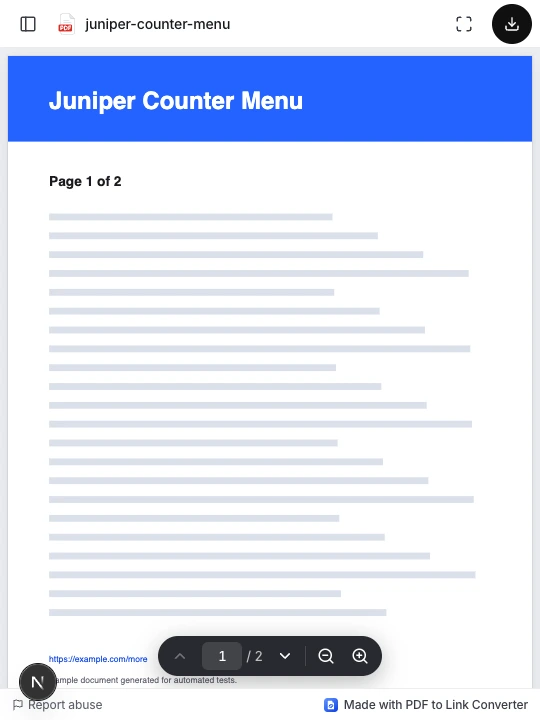
Consider a fictional café, Juniper Counter, with one A5 menu: eight drinks, four pastries and a short note inviting customers to ask about ingredients. Use real selectable text rather than a single photo of the menu. Give headings and prices room. Check that the main categories and prices are readable without pinching on a narrow phone. If your business has an accessible web menu already, linking to that page may be better than forcing a PDF.
Turn the link into a table-ready code
- Upload the menu under an account you control. Use the PDF-to-QR tool. A guest link is suitable for a short test, not table cards that might stay in use for months.
- Choose the destination. Open the viewer link in a private tab to verify that a customer doesn't have to sign in. Do not place menu passwords on public table cards; if access must be restricted, choose a different channel.
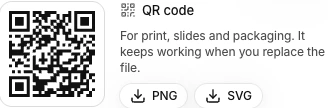
- Export the QR. The signed-in link dashboard offers SVG and PNG. Use SVG in a print layout when your design software supports it; use PNG for a compatible image workflow. Keep the code square.
- Provide clear space. DENSO WAVE's QR guidance specifies a quiet zone four modules wide on each side. A module is one small square in the pattern. Check the total blank space in your artwork, not just the thin margin inside the exported graphic. Keep textures, rules and text out of that area.
- Test a physical proof. Scan on an iPhone and an Android phone at the expected distance, under the actual table lighting. Verify the destination over mobile data. Print the short URL or an alternative route, and have a paper menu available for guests who cannot use the code.
Plan for the first price change
Give the first menu a visible date, for example “Winter menu, November 2026”. When the matcha price changes, upload the revised PDF to the existing share link if your plan supports replacement. The QR stays useful because the address does not change. With PDFtoLinkConverter, replacing the file behind the link is on paid plans; check current pricing before committing to a big print run. After a change, scan the same physical proof and make sure a fresh open shows the new price. A customer with an old tab or a downloaded copy can still be looking at the previous version.
What we checked on a sample link
We compared the QR artwork returned by the local app before and after replacing a sample PDF. The generated SVG was identical and the viewer URL did not change. That checks what the code points to, not whether a particular print size, paper or finish will scan reliably. Test your actual printed proof before ordering a batch.
Questions and answers
Does the QR image expire?
The image doesn't have its own clock. The link inside it can stop working if it expires or the owner disables it. A guest share currently lasts seven days, so register the link to an owner before printing a long-lived piece.
Should I print SVG or PNG?
SVG scales cleanly when a print workflow accepts it. PNG can work at sufficient resolution. Neither format fixes poor contrast, insufficient quiet space or a too-small code. Test the proof at final size.
Can I update the menu without reprinting?
Yes, if you keep exactly the same destination and the host supports replacing the file. Changing the slug or making a new guest upload is not the same operation.
Can I count every scan?
A code scan itself is not always observable by the viewer. A scan that leads to a successful viewer open can count as a view; a camera preview, aborted navigation or offline scan need not produce an event. View counts are not unique guests or orders.
Do guests need a special QR app?
Most modern phones can scan an undamaged code with their camera, but not every guest will have a phone or connectivity. Always provide an alternative.
Can I make a QR code for a PDF already in Google Drive?
Yes. Get the file's share URL with the correct permissions and make the QR code from that URL. A QR code doesn't change its access settings. Scan it on a phone that is not signed in to the owner's account; if the menu is meant to be public, it must open in that test. Keep the same shared file and check the code again after uploading a new version. Google Drive share settings and version instructions.