Access and controls
How to Stop Sharing a PDF Link: Switch It Off or Delete It?
Know what happens when you disable a PDF link, remove the hosted document, or discover that someone has already downloaded a copy.
Switch a PDF link off when you want to stop future visits but keep the document in your account. Delete it when you no longer need the hosted document or its associated link record. Neither choice can retrieve a PDF that someone has already saved or copied.
What each action changes
Switch off the link: The sender keeps the file and link record. This is the better default if a customer is reviewing the wrong proof and you need time to decide what replaces it. A plan may limit how many links can be live when you switch it on again.
Set an expiry: Choose this when access should end on a known schedule without someone remembering to switch it off. Make the time zone explicit in the message and leave enough time for everyone who needs access.
Delete the link and file: Use this when the share is finished and you do not need the hosted copy. Keep any records you must retain before deleting. A replacement upload or a new link is not a reliable way to recover the deleted copy.
This separation is common in document sharing. Microsoft's OneDrive help, for instance, distinguishes removing the link from other access a viewer may have. Review every route you used to send the file before assuming the document is no longer reachable. Microsoft OneDrive sharing controls
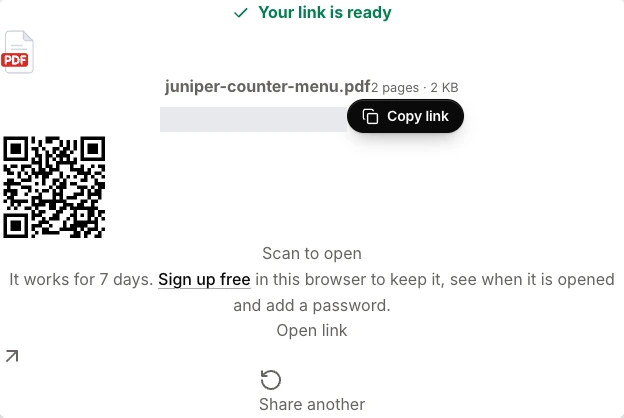
A short checklist for a link sent by mistake
- Switch off the link or remove access promptly. Do not forward the original URL again while investigating.
- In a private browser window, open the same URL the recipient received. Expect the document not to load.
- Check other links, message attachments, embedded viewers and QR copies. Turning off one URL does not affect separate copies.
- If the file is confidential, follow your organization's incident process rather than deciding exposure from a view count.
- If further sharing is authorized, create a clean handoff with the right file, visibility setting and recipients.
Questions and answers
Does turning off the link delete the file?
No. In PDFtoLinkConverter, Link is on is a dashboard control separate from deletion.
Can I turn an old link back on?
An owner may be able to turn an existing link back on, subject to the link's deadline and plan limits. A deleted link is a different case.
Will an attachment I already emailed stop opening?
No. An email attachment is an independent copy, not an ongoing request to the viewer.
What about a browser tab that was already open?
Stopping new access does not remove pages already delivered to that tab. Test a fresh open or a reload, but don't claim a remote wipe.
Can search engines tell me if revocation worked?
No. A search result or its absence is not an access test. Open the original URL without owner access; check the actual page response.