Tracking and follow-up
What counts as a PDF open? A practical guide to reading your stats
Learn what a hosted PDF viewer can record, how total opens differ from unique estimates, and when you need an actual reply.
A PDF open is an event recorded when a compatible online viewer loads the document. It is not proof that a named person read the file. A link request, a viewer load, a visible page and an approval are different events. Before using an open to make a decision, check what your tool actually counts.
Four events you shouldn't add together
- Link requested. A browser, preview service or security system requested the address. That tells you the address was used, not that anyone saw the PDF.
- Viewer opened. The viewer loaded the document and sent an event back. The reader might close the tab immediately or leave it open while doing something else.
- Page became visible. In a viewer that measures pages, the document moved to a certain page or a page entered the viewport. This is useful for comparing a cover with an appendix, but it isn't proof the text was read. MDN's visibility example explains why page position and tab visibility are separate measurements.
- Decision made. A specific reply, approval or signature is a separate action. If the decision matters to production, tie it to the correct document revision.
The first three signals can be used to understand where people drop off. Only the fourth tells you what they decided.
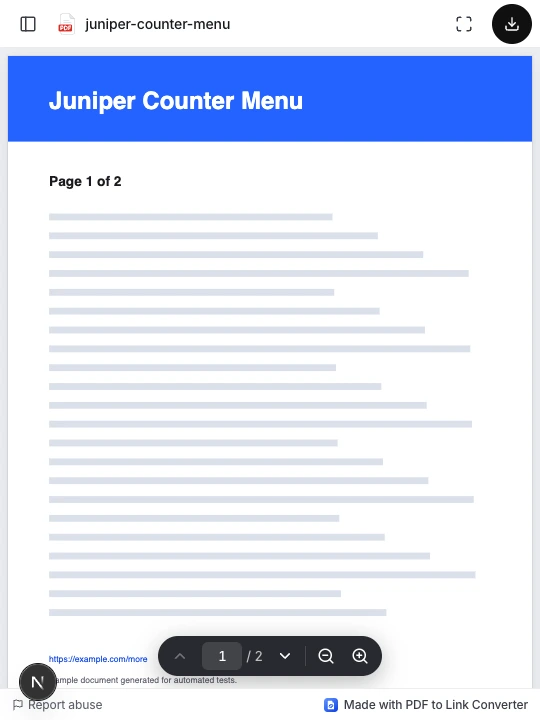
Read an example timeline
Imagine a four-page price list. At 09:10, a URL is requested. At 09:24, a compatible browser reports a viewer open, and the reader reaches page three. At 10:05, a viewer open happens again. The safe summary is “two reported opens and a reported visit to page three.” It isn't “two customers read the price list.” Both opens might be the same customer. The 09:10 request might be an automated check, and the reader may not have read the page that was in view.
An owner can see similar-looking totals with different counting rules. Papermark, for example, separates per-link detail and document-level aggregates. Check whether the number you're reading belongs to one link, the whole document, or every document in a workspace before comparing it.
How PDFtoLinkConverter counts views
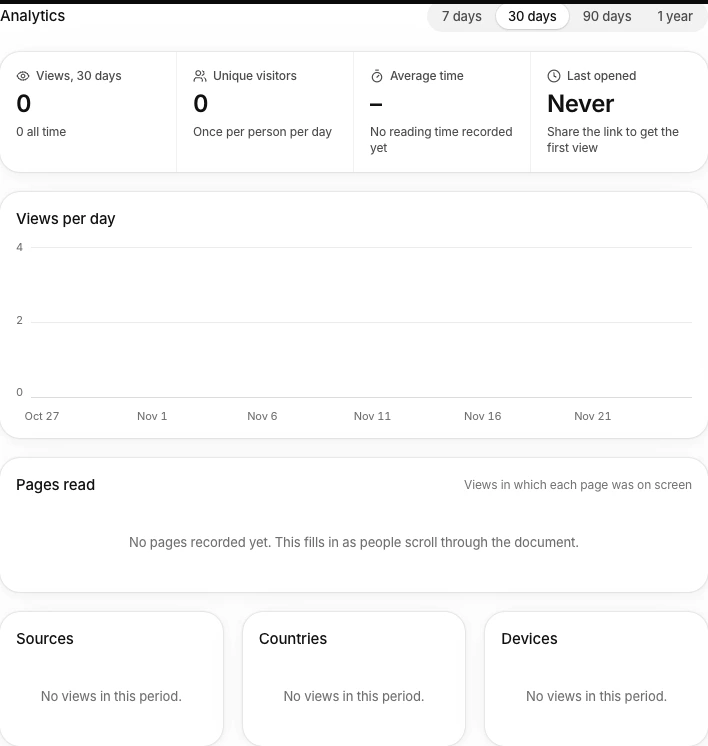
The viewer sends its view event once per page load when the document is ready. It excludes recognized owner views and common automated visitors. A reload can produce a new open. The count of visitors is an estimate for each link and day: it is neither a named list of readers nor a reliable count of different people across several days. The same person using a different device or reopening tomorrow can look different. On plans with engagement insights, visible time and page activity are estimates based on what the viewer reports, not an observation of a person's attention.
Questions and answers
Is a PDF open the same thing as an email open?
No. The email may be displayed without opening the document. A document viewer open happens on the link's destination; an email open is measured in the email system.
Why can one person produce more than one view?
Reloads, repeat visits and a visit in a different browser can all make new view events. A total-view number is not a person count.
Why didn't my test view appear?
An owner view may be excluded, or the viewer may not have finished loading and reported the event. For a harmless sample, use a separate browser profile, let the viewer load, and compare counts before and after.
Does time on the document prove someone read it?
No. Visibility tracking can avoid counting a hidden tab, but can't tell whether a person was reading the visible tab, looking away, or discussing the file with someone else.
What should I use if I need proof an update was accepted?
Ask for a direct acknowledgement naming the revision, or use a workflow that records a decision on that exact file. Don't infer acceptance from the opens chart.
Does Google Drive tell me who viewed an uploaded PDF?
Do not use the Docs Activity dashboard as proof that someone viewed an uploaded PDF. Google documents that dashboard for eligible work or school Docs, Sheets and Slides; separate organization-level audit tools have their own scope. If you need to act on a PDF event, check what your specific sharing system records. Google Activity dashboard scope.