Tracking and follow-up
PDF downloads vs views: which one should you track?
Separate viewer opens, download requests and complete transfers. See how to test the difference using a document you own.
A PDF view tells you that a browser viewer reported an open. A download event often tells you that someone clicked a download link or requested a file. These answer different questions. A reader can view a PDF without choosing to save it, and a download request doesn't prove that a transfer completed or that the downloaded file was read.
Pick the right event for your job
- Was a proposal available in a browser? Use viewer opens as an engagement signal. That usually means sharing a viewer page rather than sending a bare file address.
- Did someone ask to keep a copy? Count clicks on a dedicated download button, and label them download clicks. If the receiving server records delivery, you can separate requests from successful responses, but a successful server response still isn't proof of a permanent save.
- Did someone access a specific revision? Use events tied to a specific version if the provider supports that. Otherwise use separately labeled links for the revisions you need to distinguish.
- Did someone read it offline or print it? Normal hosted web analytics can't tell you what happens to a copy after it leaves the service.
If you're measuring a PDF linked from your own webpage, Google Analytics documents its file_download event as a click that leads to a recognized file type. It is not verification that the file transferred or that a client opened it later. A link to a viewer may not end in .pdf, so define your own event if necessary; don't relabel every visit to the viewer as a download.
Check why the same reader can produce several requests
A PDF viewer can fetch only the bytes it needs, then fetch more as the reader moves through the document. In HTTP logs, those partial fetches can have a successful status of 206 Partial Content. MDN explains byte-range requests. Several partial requests could belong to one viewer, not several downloads. Similarly, a direct link could open in a browser or trigger a save prompt depending on how it is served and the reader's browser.
Dropbox distinguishes download-only DocSend links from ordinary viewer links. It notes that download-only visits don't provide the same page-by-page data. That distinction is more useful than a single “PDF interactions” total.
Run a two-minute check with a harmless PDF
- Make a two-page PDF with a clear label on page two, such as “sample terms.” Don't upload sensitive material just to test analytics.
- Open the viewer in a browser profile that isn't signed in as the owner, and move to page two without choosing download.
- In another test, open the viewer and use its explicit download action where available. Compare the view listing and any separate download event.
- Open the downloaded file offline. A hosted-link service should not treat offline rendering of the plain file as a new viewer session.
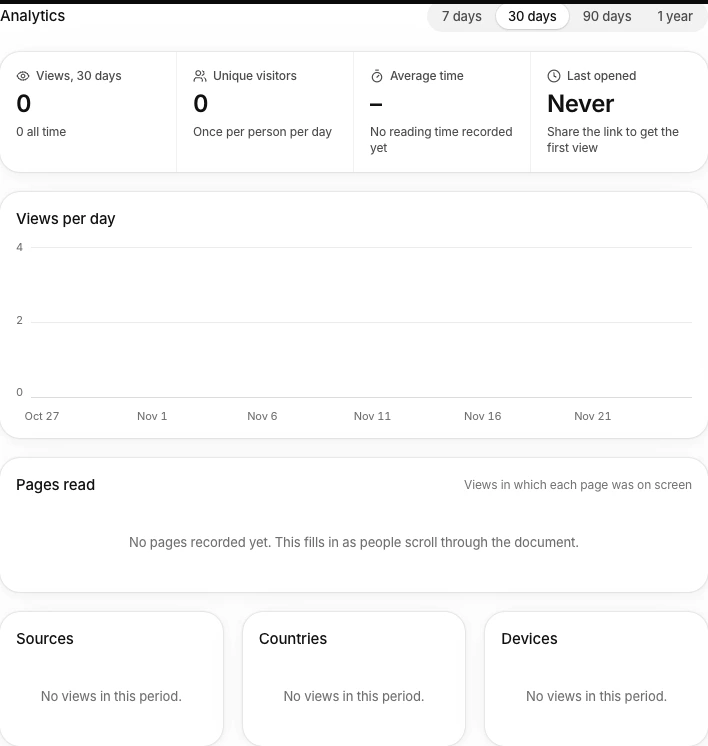
PDFtoLinkConverter currently reports viewer activity, not a separate download count. Being able to show or hide a download button on an eligible plan doesn't change what the analytics measure.
Questions and answers
Can someone download a PDF without viewing it?
Yes. A direct download link can request the file without visiting the hosted viewer. A viewer-only count doesn't cover that path.
Why do server logs show more requests than readers?
A single browser may request the file in chunks, retry, or check metadata. Count sessions or explicitly defined events, not every request.
Does a download action prove the file was saved?
No. The reader can cancel, the connection can fail, or the browser can handle the file itself. Describe the measurement as a click or request unless you have stronger evidence.
Does hiding the download button prevent copying?
It removes the built-in option. It does not prevent screenshots, photography or other ways of keeping what is displayed.
Can you measure a raw PDF and its viewer with the same statistic?
Usually not fairly. A raw file endpoint can measure requests or bytes; a viewer can measure the events its interface reports. Keep their labels and totals separate.