Access and controls
How to Send a View-Only PDF, and What It Can’t Prevent
Share a PDF for online reading, turn off the viewer’s download control, and understand where view-only sharing stops.
A view-only PDF link lets the recipient read the document online without a visible download button. It is useful for review, not a guarantee against screenshots, copies or transcription. If the recipient must never possess the information, don't send a readable copy in the first place.
Pick the restriction that matches the job
| Goal | Better choice |
|---|---|
| Keep the source unchanged | Share a PDF viewer link rather than an editable design file. |
| Discourage someone from using a draft as final artwork | Hide downloads where supported and add a visible Draft – not for production label to the PDF. |
| Limit casual forwarding | Add a link password and a deadline, or use named-recipient access if required. |
| Stop future opens | Turn the link off or remove access. |
| Protect text that should not be shared at all | Remove it from a separate share copy before sending. |
Dropbox makes a similar distinction: disabling downloads removes the download option on the shared link but does not prevent a recipient from saving content by other means. Dropbox link permissions
Set up a review copy
- Export a copy with a prominent draft label, revision number and date. Use a separate final production file so nobody can mistake the proof for an approved deliverable.
- In PDFtoLinkConverter link settings, switch Allow download off if your plan supports download control. Free links do not include this toggle; check pricing.
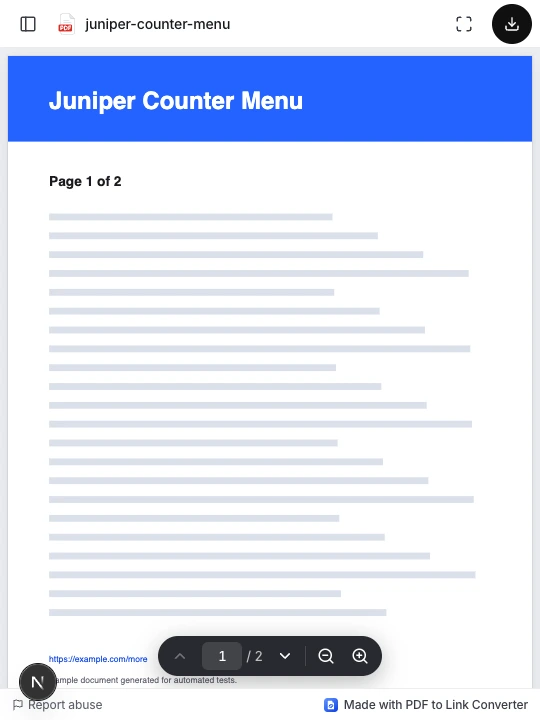
- Test the regular share URL signed out, ideally on the kind of phone the recipient uses. Confirm the intended PDF opens and there is no viewer download button.
- Send the link with one sentence explaining what happens next, such as: “Please review v2 only; I’ll send the final print PDF after you confirm.”
Questions and answers
Can someone still take a screenshot?
Yes. Once the content is visible, a normal browser viewer cannot stop someone photographing, transcribing or capturing it.
Does hiding downloads also make the link password protected?
No. Viewer controls and access controls are separate. Set the password or expiry independently when needed.
Can the recipient edit my original PDF?
Reading the hosted viewer does not give the recipient permission to edit your stored file. A separate copy, if they obtain one, is outside that workflow.
Should I restrict printing or copying in Acrobat too?
Only if the workflow calls for document-level restrictions, and test in the readers your recipients use. Adobe document password settings describe open passwords and permissions separately.
Is view-only an approval record?
No. Making the proof readable, registering a view, and receiving explicit approval are three different outcomes. Record the decision through your agreed review process.
Is a view-only PDF the same as confidential email?
No. A PDF viewer's setting hides its own download button. An email service may apply different options to the message itself. Neither can guarantee that the intended reader won't take a screenshot or photo. Gmail's confidential mode limits.