Sharing
PDF hosting: how to choose where to put your PDF
Compare public downloads, unlisted viewer links, and restricted file sharing. Choose a PDF host based on who needs access and how long the URL must last.
PDF hosting puts a PDF on a service that can deliver it to readers who don't have the file on their device. For a public brochure, a website download often works well. For a client quote, an unlisted browser viewer is easier to hand off. For confidential material, use an access policy that matches who should see the file.
Choose a host by what the reader needs
| Job | A good starting point | Test before sending |
|---|---|---|
| Public manual, accessible to anyone | Website file library with a descriptive download link | Download works when signed out; the page also describes what's inside |
| Short review of a PDF | Hosted viewer with a copyable share URL | Reader can open it on a phone; guest retention covers the review |
| Recurring menu or catalog updates | Account-managed link that supports replacing the file | The address stays the same; a new tab actually shows the new version |
| Confidential document | An access-controlled service approved for the job | Test as both an allowed and a disallowed recipient |
Hosting does not automatically make a PDF searchable. Public site links, search indexing and permission to access a file are separate. In particular, an unlisted link can still be forwarded. If a specific reader must authenticate, choose named access rather than relying on a hard-to-guess URL.
Host a sample PDF and test the reader link
- Use a non-sensitive sample whose title and date are visible on the first page.
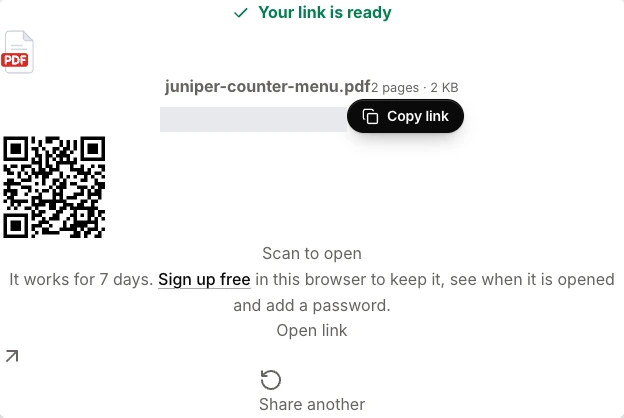
- Open the PDF-to-link tool and upload the sample. Copy the viewer link offered on the success screen, not the address of the upload page.
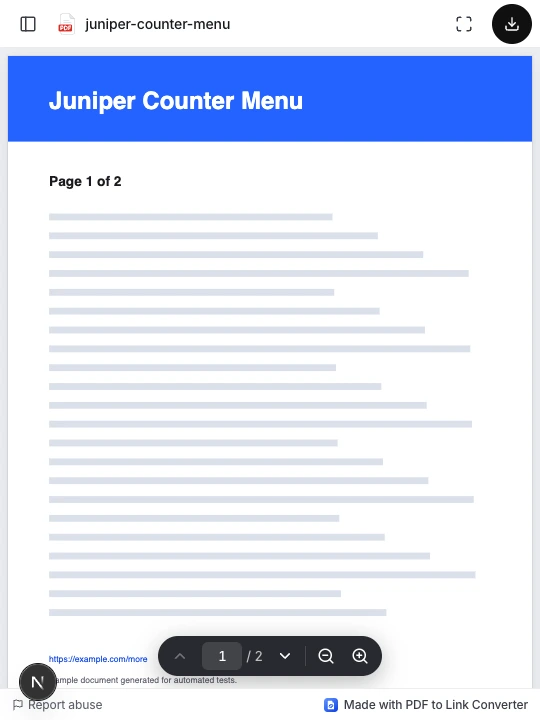
- Open the copied link in a private window. Check that page one and any download controls match what you meant to share.
- Before sending it, check the host's retention, the file-size limit, whether you can disable the link, and whether it supports replacing the file. A PDFtoLinkConverter guest link lasts seven days; don't use a guest link for a permanent reference.
- Keep the source PDF outside the host. A shared URL is an address, not a backup.
Example: a price list with two purposes
If everyone should be able to download the latest public price list, publish a descriptive page with its date and a clearly named PDF download. If a customer is deciding on a private quote, send a separate copy through the appropriate viewer and name the revision in your note. That avoids making a broad public URL do the work of a client-specific approval link.
Questions and answers
What is the difference between PDF hosting and a direct PDF URL?
Hosting is where the file lives. Direct PDF URLs generally return PDF bytes, while a viewer link opens an HTML page around the file. The host controls which it serves.
Can I host a PDF for free?
Yes, but free hosts can limit storage, file size, active links or retention. For a lasting address, read those limits before printing a QR or publishing links in many places.
Can I use hosting instead of a backup?
No. Keep the original and each revision you need to retain in a separate location. Expiry, an account change or an accidental overwrite can make the hosted copy unavailable.