Tracking and follow-up
Can you tell if a PDF link was forwarded?
Learn what a forwarded viewer link can reveal, how recipient-specific links differ from identity verification, and what stops after download.
You can often see activity on a PDF link after it is passed along, but you generally cannot tell from an anonymous visit that the link was forwarded, who forwarded it, or who received it. A link identifies the route into the viewer. A verified address or authenticated account supplies additional evidence about the account that used it.
A unique link shows where the visit landed
Imagine you send separate labeled links to Sam in procurement and Jordan in legal. Sam forwards their link to Lee, and Lee opens it without signing in. If the service records a view, Sam's link gained a visit. Saying “Sam opened it” would be unjustified. Two different devices or locations aren't proof of forwarding either: one person may open it from both a phone and a work computer.
When distinguishing recipients matters, use a separate link or authenticated access where your platform supports it. If it doesn't allow multiple links per file, use separate labeled shares only when copying the file is appropriate. Document which one is current and revoke both if you later discover it contains something you should not have shared.
Which access model fits the risk?
- Unlisted link. Lowest friction. Anyone who gets the address may be able to open it. Good for material you are comfortable having passed around.
- Shared password. Adds a barrier but not identity. A reader can pass on both the link and password. Send the password separately if the workflow allows it.
- Email entry versus email verification. Typing an address is a claim. Proving access to its inbox is stronger. Verification still doesn't establish who physically viewed the screen.
- Named access. For a document that should stay inside a known group, choose an authenticated allowlist. Google Drive's sharing documentation explains how specific-user access can be evaluated using a single file URL rather than a different URL per user.
Dropbox DocSend's campaign link documentation demonstrates another approach: its forwarding setting can ask additional visitors to provide an address. That is a documented behavior of that product, not an automatic capability of other viewers.
If the recipient forwarded the attachment
Once a normal downloadable PDF is saved, the sender's site generally cannot tell whether that copy was copied again or opened offline. Expiring the original URL controls later access through the service; it doesn't recall saved copies. If the file was unexpectedly forwarded and contains customer information, follow your organization's incident process instead of trying to infer names from logs.
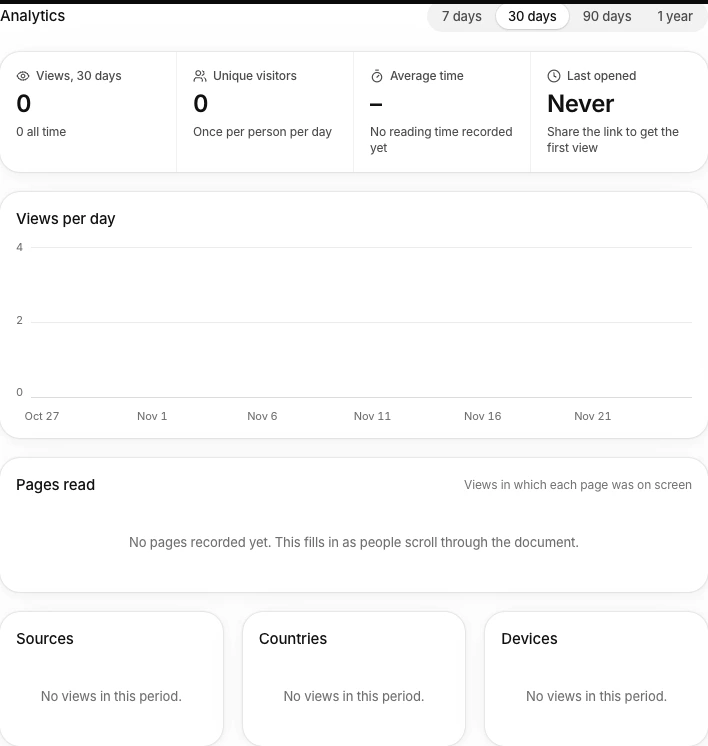
PDFtoLinkConverter's viewer counts anonymous visits. It does not verify viewer email addresses or identify forwarding chains; its password and expiry controls are available on eligible plans.
Questions and answers
Can I see who a client forwarded the link to?
Not from an anonymous link alone. Use a platform with recipient verification or ask your client to tell you who needs access.
Can a new IP address tell me the link was forwarded?
No. Mobile networks, corporate gateways, VPNs and device changes can all produce different network information for one person.
Will revoking the link stop access?
It can block future access through that link, depending on the service. It cannot undo downloading or screenshots, and an already open tab may still hold previously loaded content.
Does a separate link per person restrict anyone else from using it?
Only if the service also enforces an identity or an access control. A label or different URL isn't an authenticated allowlist.
What should I use for a confidential client document?
Use your approved secure platform, restrict access to named recipients where required, set a proportionate expiry, and confirm it works in the intended reader's account before sending.